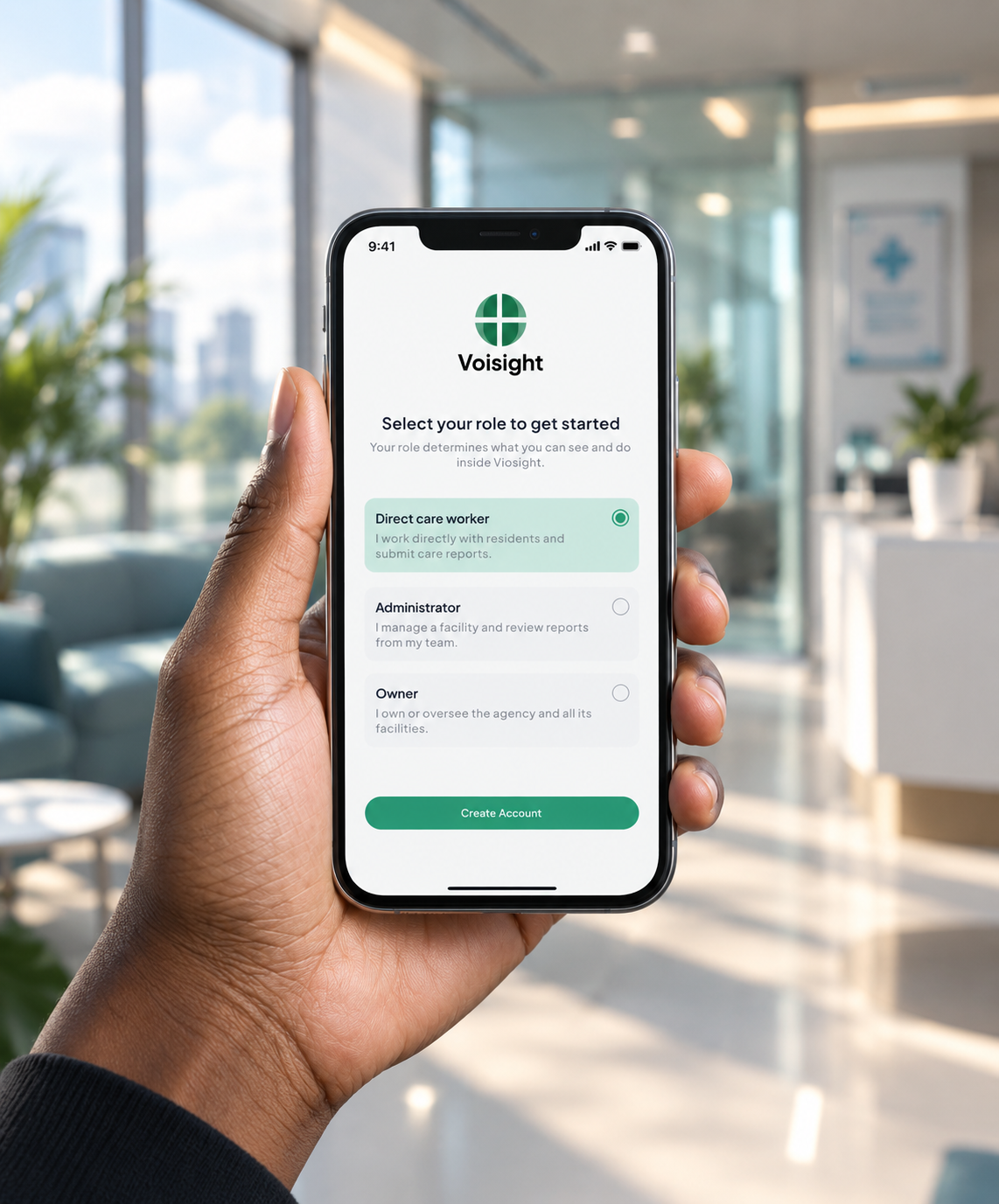
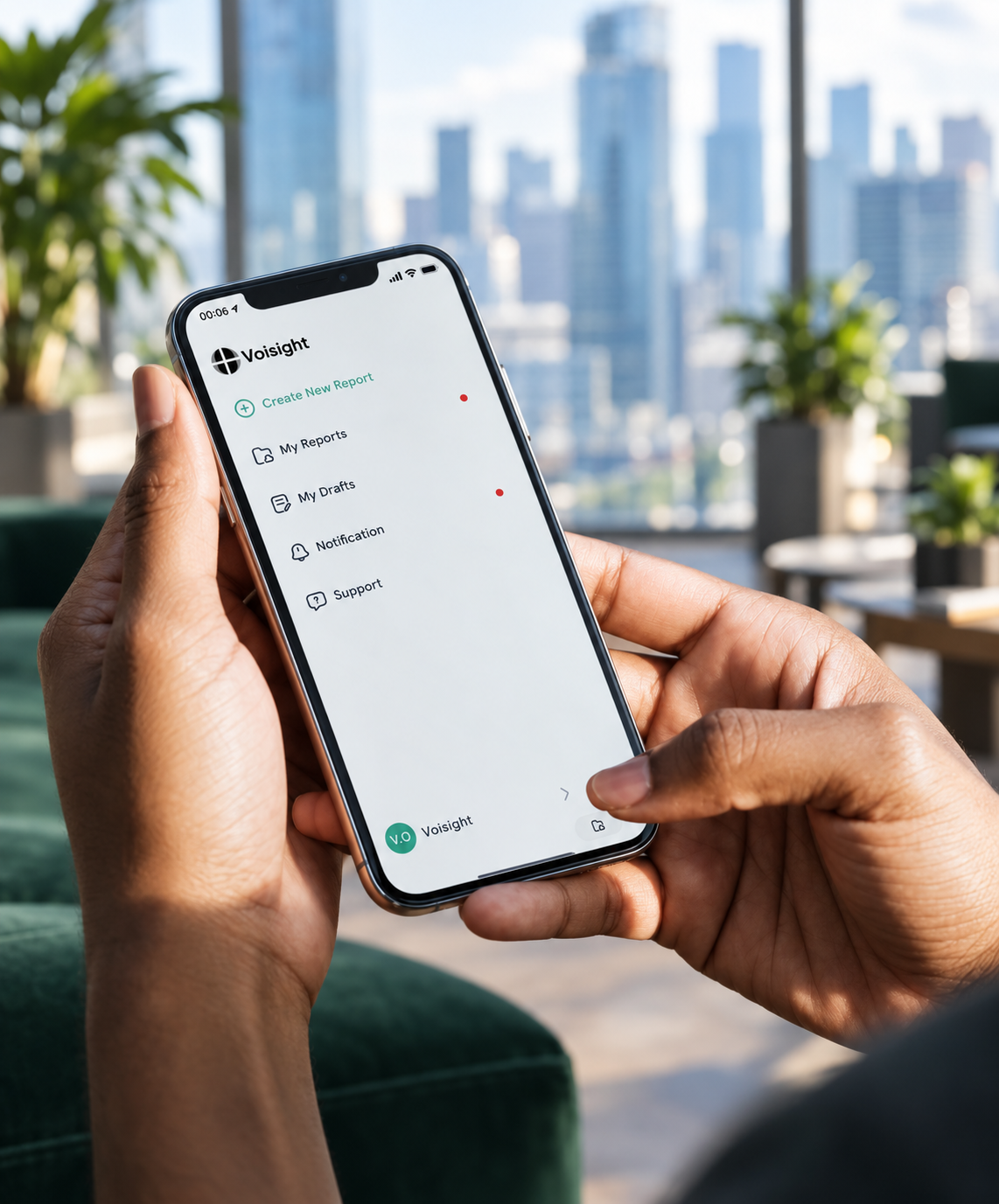
Document care without letting documentation get in the way.
Voisight helps Direct Care Staff capture observations, record care, and create structured reports using their voice — so documenting what happened feels as natural as describing it.
- Average time to finish a report
- < 5 min
- Report types supported
- 3
- Forms to fill in manually
- 0
- CDSS Form 2991 aligned reports
- 100%
Everything you need to document care
Create reports
Choose from Progress Note, Serious Incident, or Non-Serious Incident.
Record with your voice
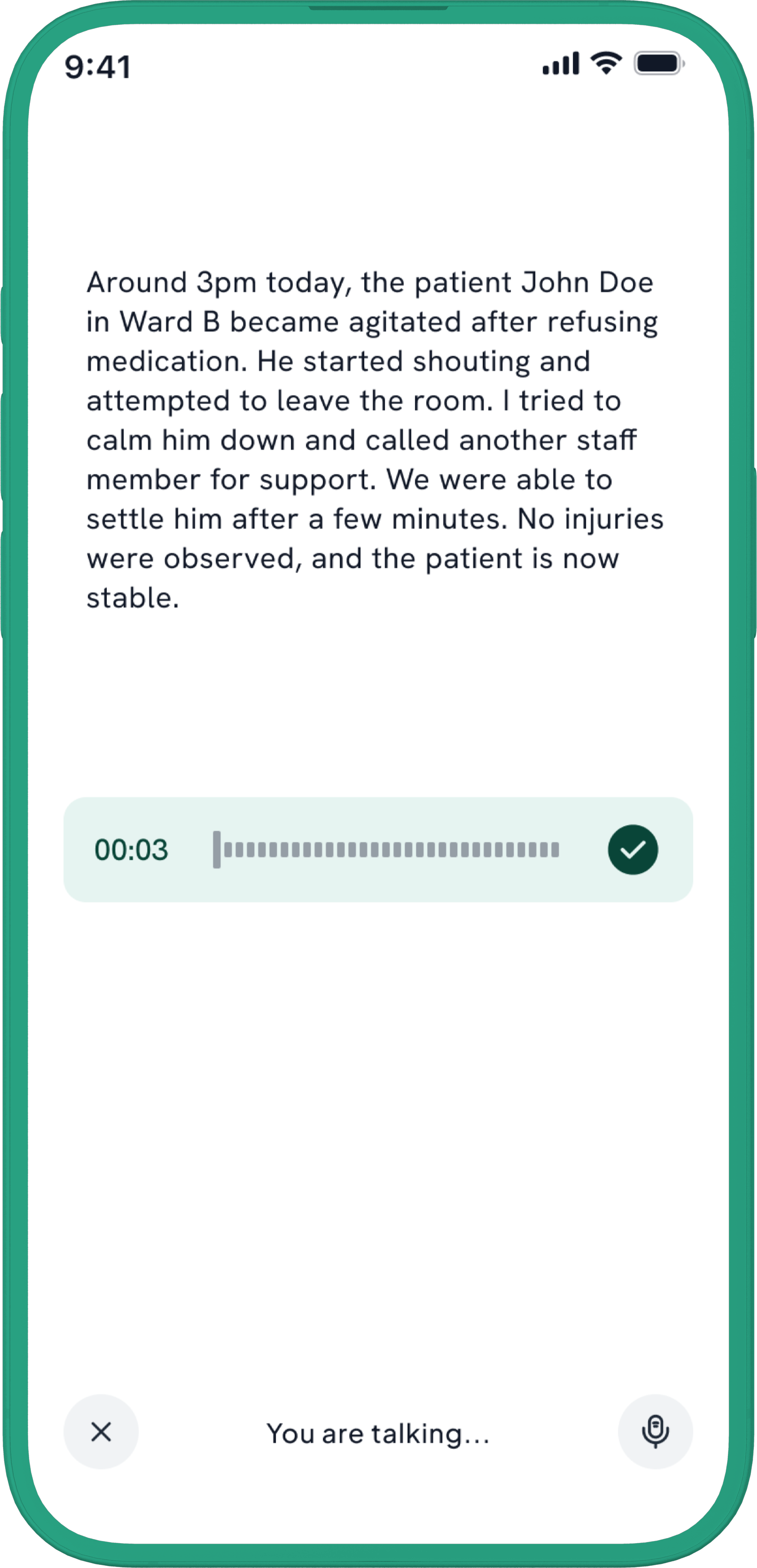
Speak naturally. Describe what happened in your own words.
Live transcription
Transcription lets you follow along and catch errors immediately.
AI report generation
Voisight formats your recording into a proper report.
Review and edit
Review, adjust, and confirm before anything is submitted.
Save drafts
Save incomplete reports and pick up where you left off
Questions about Direct Care Staff access.
What can Direct Care Staff use Voisight for?
Direct Care Staff can use Voisight to create reports, record care observations using their voice, review live transcripts, generate structured reports with AI
What types of reports can I create?
You can create Progress Notes, Serious Incident Reports, and Non-Serious Incident Reports — the most common documentation types in direct care settings.
Can I edit a report generated by AI?
Yes. AI-generated reports are always reviewed by you before they are submitted. You can edit any part of the report to make sure it accurately reflects the care you provided.
Can I save a report without submitting it?
Yes. You can save any report as a draft at any point. Your draft is stored securely and you can return to complete and submit it whenever you're ready.
What happens if my administrator sends my report back?
You will receive a notification. You can open the report, review any comments left by your administrator, make the requested changes, and resubmit it for review.
Can I see my previous reports?
Yes. Voisight keeps a history of your submitted reports so you can review what you've documented and track the status of each report over time.