Care that can be spoken. Context that never gets lost. Reports that tell the full story. A system that keeps care moving.
Features
Everything you need to document care better
From voice-first reporting to team management, Voisight brings the tools your care team needs into one connected workspace.
Voice capture & live transcription
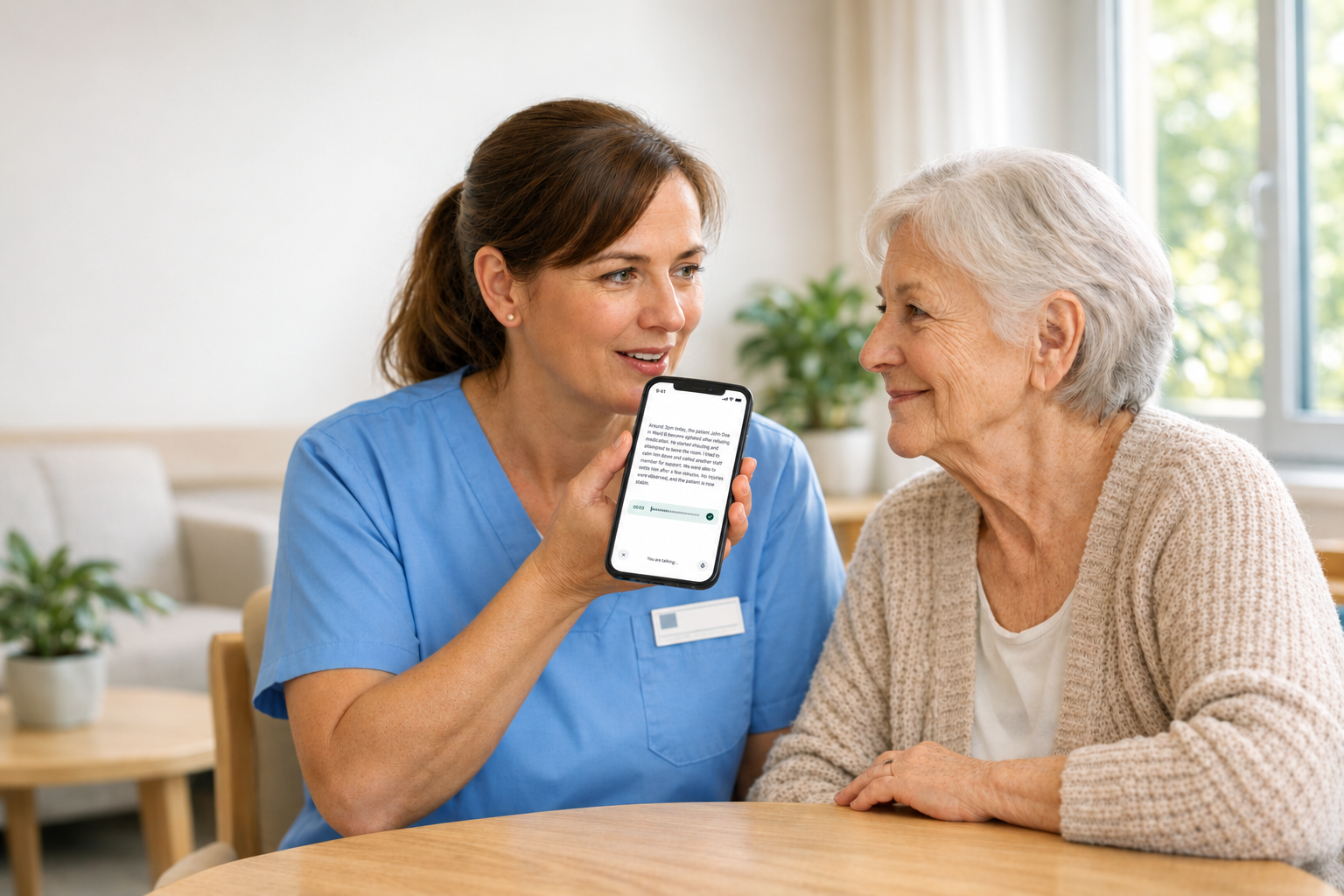
Staff record their report by speaking naturally, exactly the way they would describe what happened to a colleague. The words appear on screen in real time.
They get a transcript of everything that they have recorded
Care worker can pause, review, and edit at any point before generation
Voice recordings are permanently deleted immediately after generation
Microphone can be paused and resumed
Live waveform shows the microphone is active at all times
Voice Recording
● REC
Live transcript
At approximately 2:15 PM, the resident Marcus became verbally agitated during group activity. Staff member Jordan Williams intervened immediately and redirected him to a quiet space. No physical contact occurred.
AI-powered report generation
Whatever the care worker speaks is automatically organised into the correct structured report template — the same sections their facility already uses on paper, filled in automatically.
AI selects the correct template based on report type chosen at the start
All required sections are filled
Session timestamp is auto-recorded at the moment care worker begins and locked permanently
Care worker reviews each section before submitting each has an Edit button
Staff name and role are pulled from profile and locked — cannot be altered
Generated Report
FACILITY
STAFF
INCIDENT TYPE
DESCRIPTION
ACTION TAKEN
Report workflow & status tracking
A report in Voisight moves through a defined lifecycle. Every status is visible. Nothing is ever lost, forgotten, or silently altered.
Draft — care worker has started but not yet submitted
Submitted — care worker submitted for administrator review
Awaiting update — administrator sent back with comment
Finalized — administrator approved; report is locked; PDF generated
Administrators can comment and return reports but cannot edit the body
Serious incident reports require all three role signatures before finalization
Report Lifecycle
DraftStarted by care worker
SubmittedSent to administrator
Awaiting updateReturned with comment
FinalizedLocked & PDF generated
Export and filing-ready PDF
Any finalized report can be exported as a PDF or printed. The layout matches what any CDSS auditor would expect to see.
Report type name in header with California state seal
Agency watermark at low opacity across every page
All sections labelled with Form 2991 reference numbers
Mandatory notifications table for Serious Incident Reports
Signature blocks for all required signatories
Non-Serious Incident Report
CDSS Form 2991
Facility
Cedar Ridge Group Home
Staff
Jordan Williams · Care Worker
Date / time
Sep 4, 2025 · 14:22:05 PST
Incident type
Verbal altercation
J. WilliamsK. Martinez
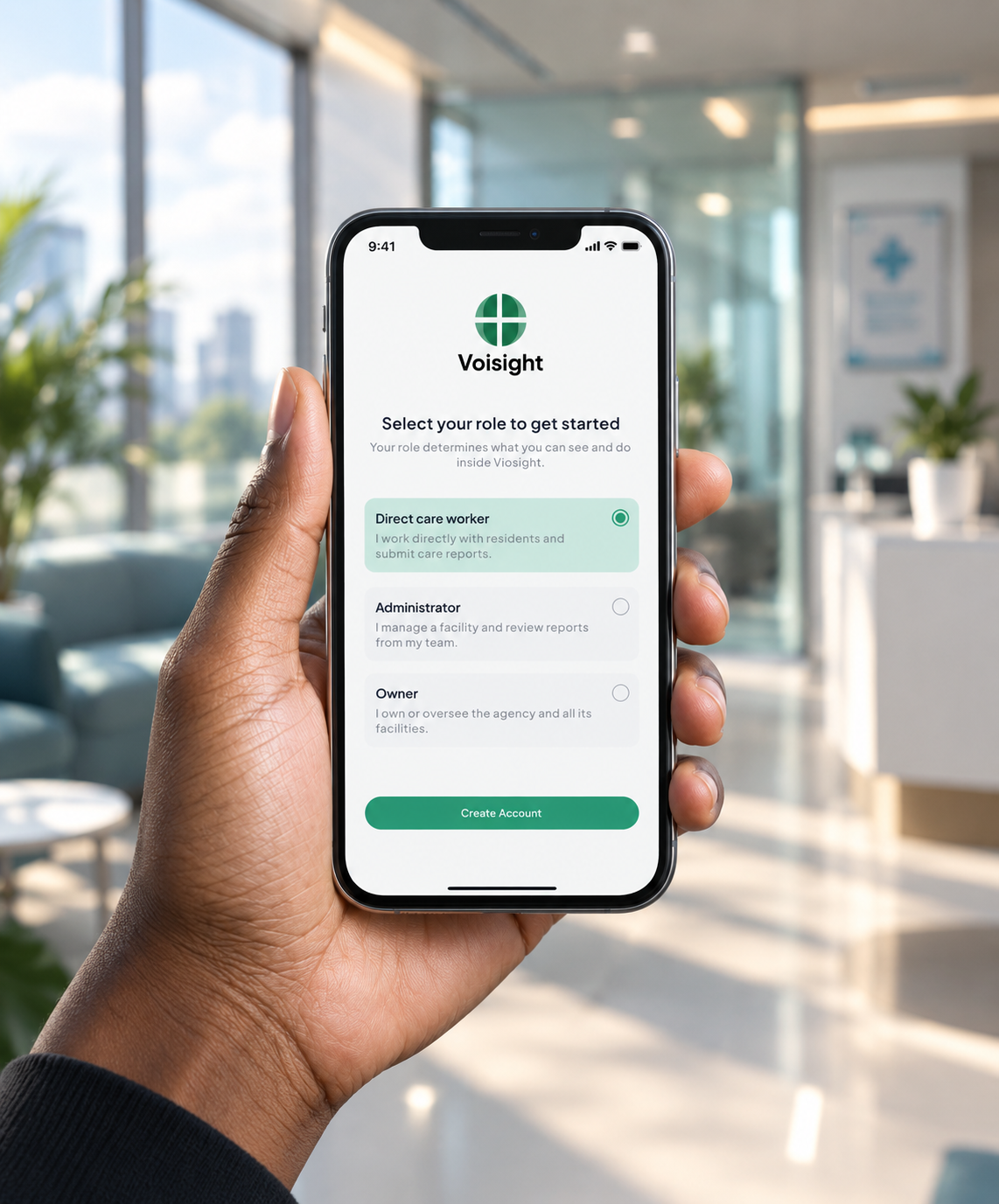
Role-based access & team management
Every person on Voisight can only see what their role permits. Access is enforced by the platform at all times — not configurable by the user.
Direct care worker: create and view their own reports only
Administrator: view all facility reports, send back, finalize, manage team
Supervisor: view all facilities across the agency, manage administrators
Access codes generated by administrators for secure staff onboarding
Access hierarchy
OwnerAll facilities · Full agency
AdministratorAssigned facility only
Care workerrecord reports only
Why Voisight
Care documentation should work around
Voisight gives care teams a simpler way to capture, structure, review, and manage documentation.
Speak naturally
Capture care without stopping to type every detail. Just speak and Voisight handles the rest.
Stay structured
Turn natural speech into organized, consistent reports that match your facility's requirements.
Work together
Give caregivers, administrators, and supervisors the tools they need to keep documentation moving.
How it works
From spoken care to structured reports
Voisight turns natural spoken accounts into accurate, structured care documentation — without forms, templates, or rewriting.
01
Speak
Open Voisight, select the report type, and speak your account naturally. The session timestamp is recorded automatically and locked the moment you begin.
02
Transcribe
Your words appear on screen in real time. Review and correct the transcript at any point before the AI processes it — nothing is committed until you're ready.
03
Generate
The AI maps your transcript into the correct structured report template. Sections it cannot fill are clearly flagged — Voisight never invents a value.
04
Review & Submit
Review each section, edit if needed, and submit to your administrator. They review and finalize the report, which is then locked and generated as a PDF
app.voisight.com/report/new
Cedar Ridge Group HomeJW
Report type
Non-Serious Incident
0:42
Live transcription
Transcript
At approximately 2:15 PM, the resident became verbally agitated
during the afternoon group activity in the common room.
Staff member Jordan Williams intervened immediately,
redirecting the resident to a separate quiet area.
No physical contact occurred between any residents or staff.I
Edit transcriptContinue recording
Generated Report
Observations
Verbal escalation observed at 14:15. Resident was agitated and raised voice at peer.
Activities
Afternoon group — common room social activity, 13:30–15:00.
Patient Response
Resident accepted redirection after approximately 3 minutes. Agreed to speak with on-call counselor.
Follow-up
Schedule debrief with resident and counselor. Monitor interactions during next shift.
Final Review
RPT-2025-09-04-0042
Draft
FacilityCedar Ridge Group Home
StaffJordan Williams · Care Worker
ResidentMarcus T.
Incident typeVerbal escalation — Non-Serious
Submit to Administrators
PDF generated
Non-Serious Incident Report · CDSS Form 2991
Report IDRPT-2025-09-04-0042
Finalized15:44:07 PST
Facility
Staff
Resident
Incident
Who can use Voisight
One platform for every role in care documentation.
Voisight gives every role the tools they need — in one connected system.
CaregiversCaregivers
Professionals who provide hands-on, day-to-day care and support. They can use Voisight to document observations, care activities, patient progress, and incidents using their voice.
NursesNurses
Registered Nurses, Licensed Practical Nurses, Certified Nursing Assistants, and similar professionals who provide or support nursing care. They can use Voisight to record patient observations, care provided, changes in condition, and important events.
Care CoordinatorsCare Coordinators
Professionals responsible for coordinating care and services between patients, caregivers, providers, and organizations. They can use Voisight to keep important care documentation organized and accessible.
Social workersSocial Workers
Professionals who support individuals and families and coordinate services around their needs. Voisight can help them document interactions, observations, incidents, and relevant updates.
Foster Care ManagerFoster Care Manager
Manages the broader operation of a foster care program, including staff, caregivers, and service workflows. Voisight can help centralize reporting and provide visibility across the program.
Agency OwnersAgency Owner
Provides organizational and operational oversight of a care agency. Voisight can help them monitor teams, manage access, oversee reporting activity, and maintain visibility across the organization.
Facility ManagersFacility Managers
Professionals responsible for the day-to-day operation of residential programs, care facilities, or service programs. Voisight can help them manage teams, review documentation, and maintain visibility across their operations.
Behavioral Health ProfessionalBehavioral Health Professional
Supports people experiencing behavioral, emotional, or mental-health-related challenges. Voisight can help capture structured documentation about observations, interventions, and incidents.
Account Types
Everyone sees what they need
Each role has tools they need to stay connected across the organization.
Direct-care Staff
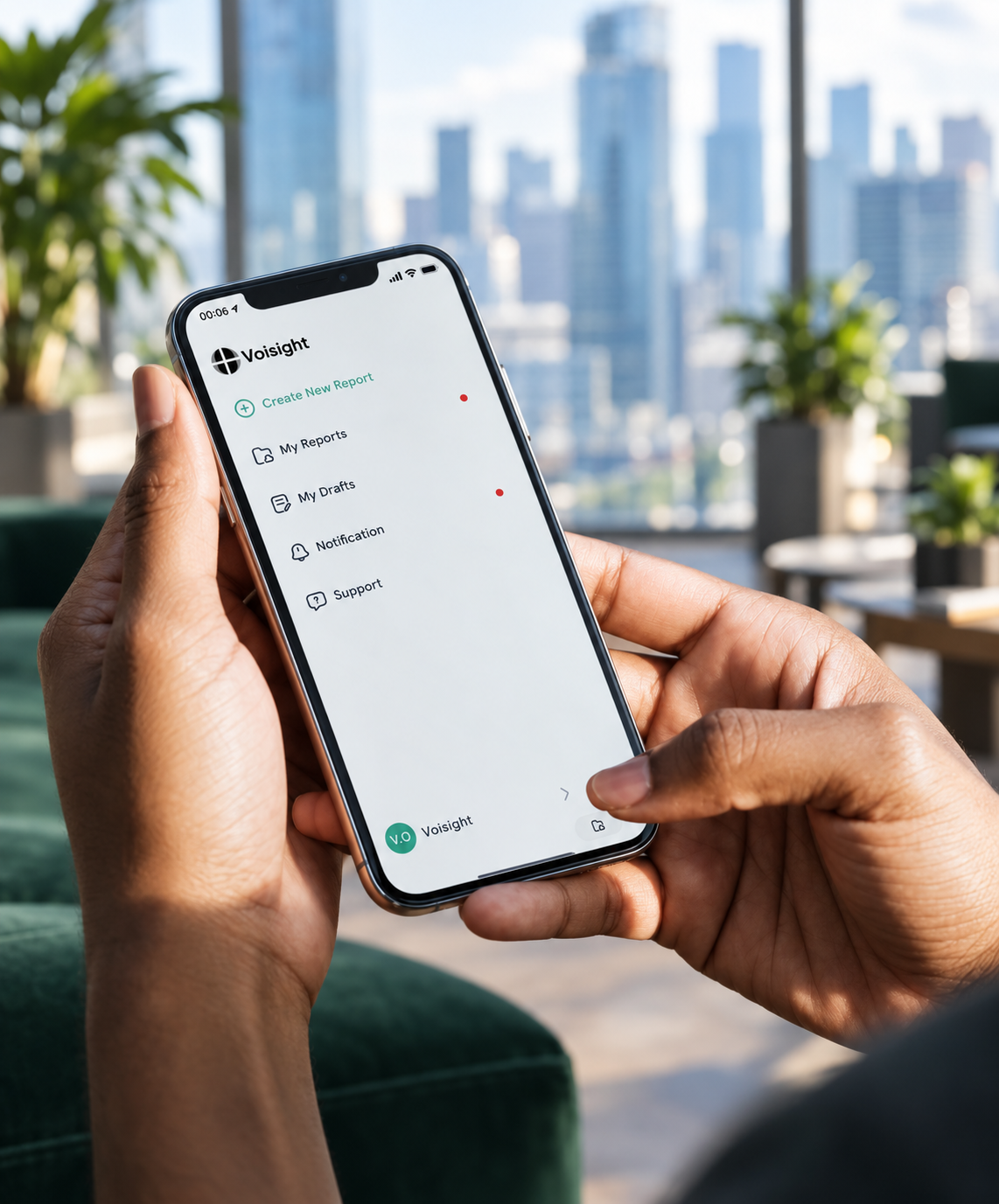
Create reports using your voice, review your transcript, generate structured documentation, manage drafts, and track submitted reports.